School timetable software with clash detection and substitutions
Build each section's weekly timetable on a grid of your own periods and working days. Premeena won't save a lesson that double-books a teacher or a class, and when a teacher is absent the office can arrange a cover or cancel a period for that one date.
Section X-A's weekly timetable in the demo school: one row per period, one column per working day, and the teacher's name under every subject.
What is school timetable software?
School timetable software is a tool for building and running a school's weekly class schedule: which subject and which teacher each section has in every period of every working day. Good timetable software checks for clashes while you build, handles substitutions when a teacher is away, and shows teachers and students their own current schedule.
Most schools still build the timetable in a spreadsheet or on a wall chart. It looks fine until someone spots the Physics teacher down for X-A and XI-B in the same period. Then a teacher goes on leave, and the timetable in-charge spends every morning working out who is free.
Premeena is a timetable builder with clash detection. You place each lesson yourself, and every save is checked against other sections, other timetable groups and teachers' non-teaching duties. It doesn't generate timetables (here's why), but it makes a manual build quick and refuses teacher and class clashes.
What the timetable builder does
A grid built on your own periods
Rows are your periods, each with a start and end time; columns are the working days. Breaks appear on their own from the gaps between periods. Click a cell, pick the subject and teacher, and repeat the lesson on several days in one save. Only subjects the class actually takes are offered.
Timetable groups for different day structures
A timetable group holds one set of working days and period timings, shared by every section linked to it. Run primary on a five-day week and secondary on a six-day week with longer periods as two groups. Change a period once and every section in that group follows.
Clash detection on every save
A lesson won't save if the teacher already teaches another section at an overlapping time, or if the section already has a subject in that slot. Checks run on clock time, so they also work across groups with different timings. A staff-schedule duty, such as a 10:00 meeting, blocks the slot too.
Quick fill and a to-do list
Pick a subject, with its periods per week shown, and click empty slots to drop it in. Premeena assigns the first free teacher who already teaches it. The slot inspector lists empty slots, clashes and subjects without a teacher. Every change saves at once and can be undone.
Substitutions and cancelled periods
Pick a date and the absent teacher to list their periods. Assign a cover, with a warning if that teacher is already teaching or covering in that period, or cancel the period with a reason. Changes apply to that date only, so next week's timetable runs as normal.
Lesson plans for the cover teacher
The absent teacher, or an administrator, writes a lesson plan for each covered period and attaches worksheets or slides. The substitute finds it under My Substitutions, next to a link to that period's class register. Only the two teachers and timetable administrators can open it.
Staff schedules and workload
Meetings, planning, lunch, student support and any duty type you add sit beside teaching periods in each staff member's weekly calendar, with teaching, non-teaching and total hours. A room another staff member has booked at that time is refused. The teacher list shows each teacher's periods per week.
Electives scheduled in parallel
Schedule an elective group once and Premeena adds it to every section with enrolled students, matching the period by clock time across timetable groups and listing any section it had to skip. Several electives can share one slot, with the class split between them.
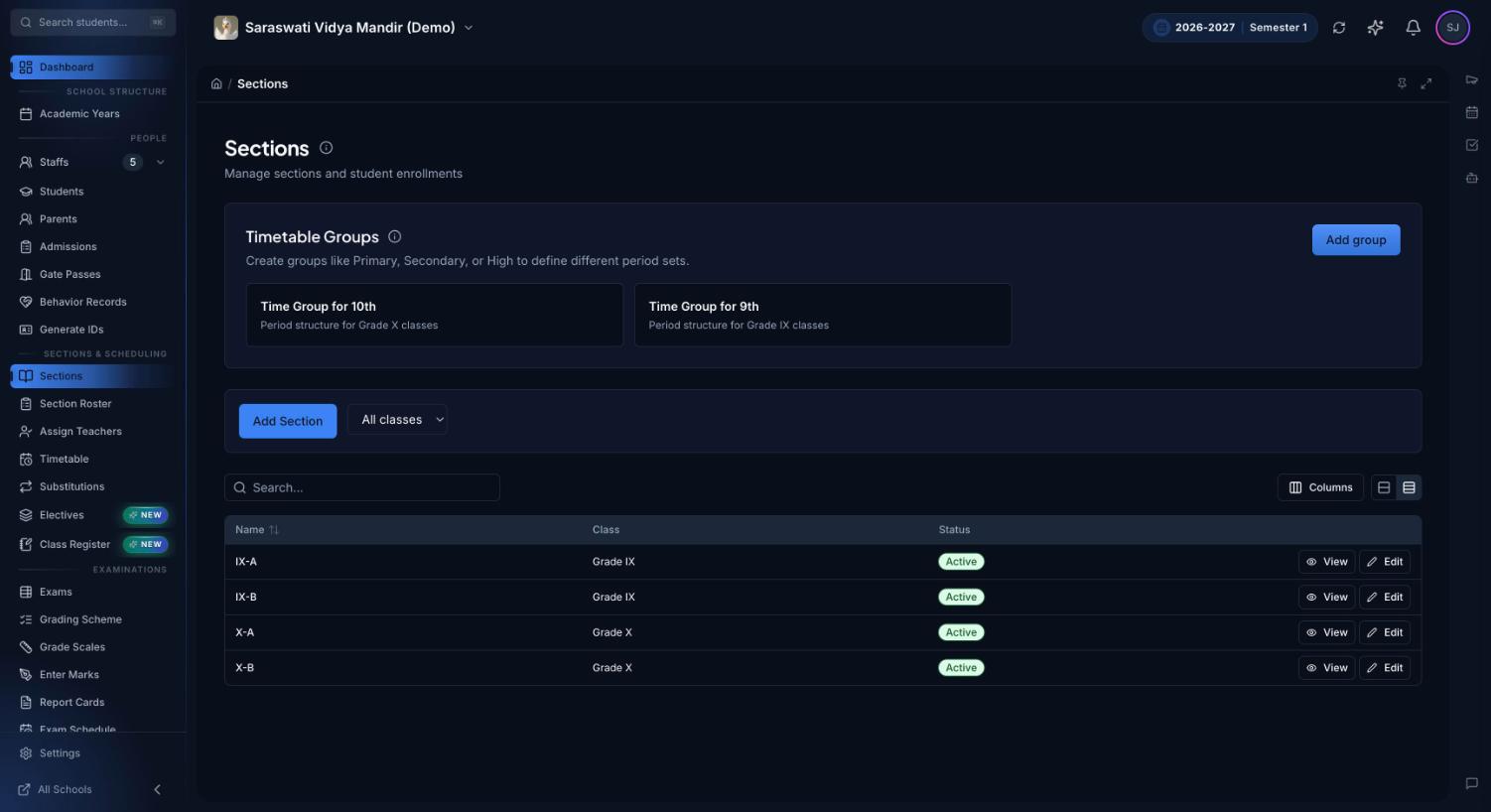
Timetable groups sit at the top of the Sections page. Here Grade IX and Grade X each have their own period structure, and every section is linked to one of them.
How building a timetable works in Premeena
Create timetable groups, one per day structure, with working days and periods, including assembly, recess and lunch.
Link sections and set class subjects. Each section joins one group, and the subject picker offers the subjects assigned to that class as Core.
Place fixed and scarce lessons first: labs, games and the teacher shared by six sections. Quick fill handles the rest.
Clear the inspector's list of empty slots, missing teachers and clashes.
Schedule electives through their groups, and add non-teaching duties in Staff Schedule so they count toward workload.
Run the day. When a teacher is absent, open Substitutions and cover or cancel each of their periods.
In many Indian schools the day starts with the arrangement register: the vice-principal or timetable in-charge lists the absent teachers' periods and finds a free teacher for each. Schools call these arrangement periods, proxy periods or substitution periods; elsewhere they're cover lessons. In Premeena the register becomes a screen:
The admin dashboard shows which teachers are out today (from staff attendance and approved leave), how many of their periods are covered, and how many teachers are free.
On the Substitutions page you pick the date and the absent teacher, then assign each period. If your pick is already busy in that period, you're warned before saving.
A period nobody can take is cancelled with a reason such as "Teacher on leave". The students in it and their guardians get an in-app and push notification, and the teacher no longer owes a class register for it.
In Week mode the PDF carries that week's dates, names each covering teacher and strikes through cancelled periods, ready for the staff-room board.
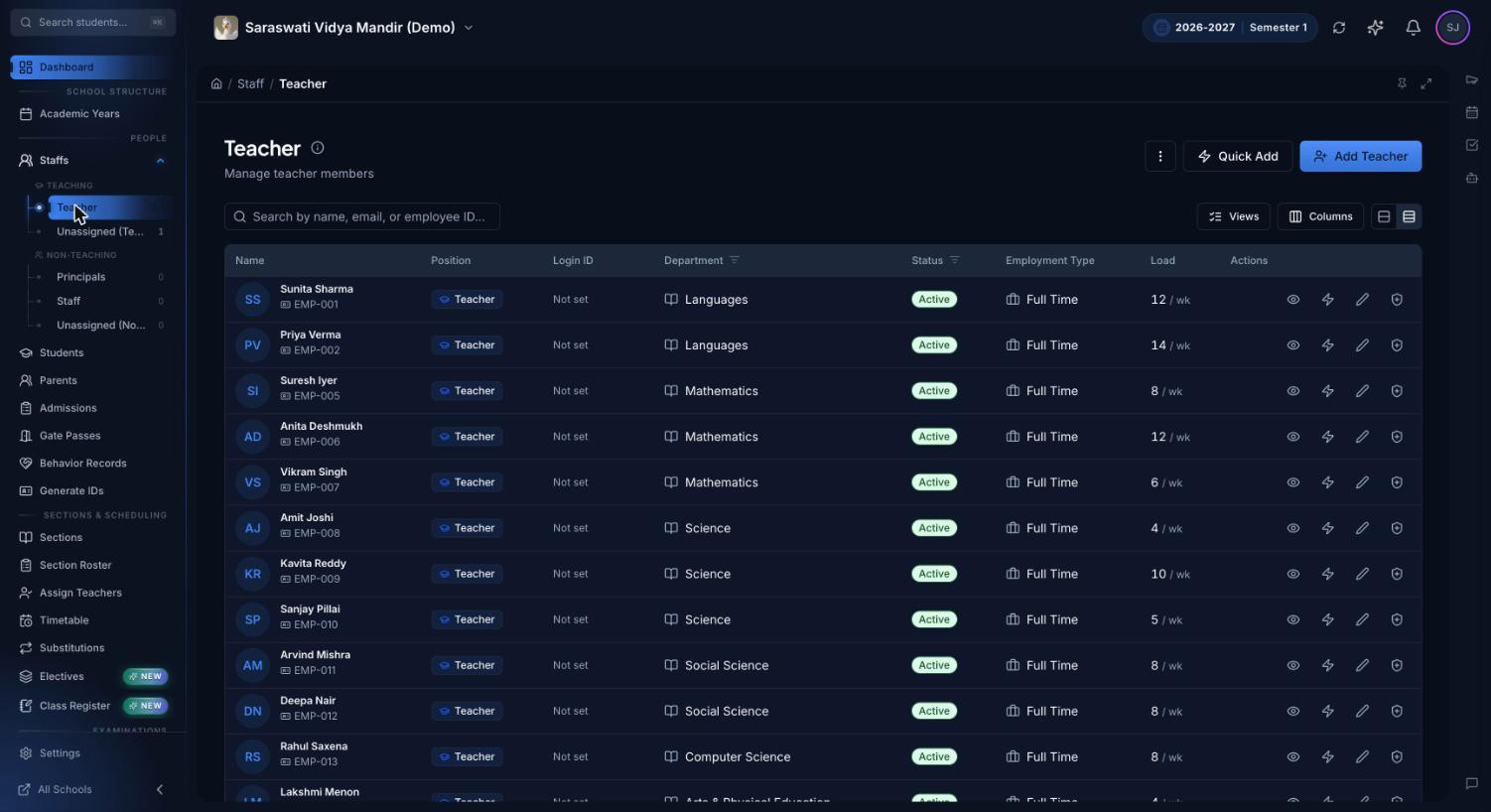
The teacher list's Load column counts each teacher's timetable periods per week, so an uneven spread shows up before term starts.
Who uses the timetable
Principal or timetable in-charge: builds the weekly pattern and watches the dashboard's timetable health card, including slots without a teacher and a heat map of teacher load by period.
Office or academic coordinator: arranges the morning's covers. Any staff member can be given this job through a position with timetable manage permission.
Teachers: see their own week in Staff Schedule and the periods they're covering in My Substitutions, and leave lesson plans for periods covered while they're away.
Students: open My Timetable on a phone or laptop, with this week's covers and cancellations and the current period marked live.
Parents: see the child's Today at school list on the parent portal and get a notification when a period is cancelled.
Spreadsheet timetable vs Premeena
Job
Spreadsheet or wall chart
Premeena
Spotting a double-booked teacher
Checked by eye, often after printing
Refused at save time, across all sections and groups
Wings on different period timings
Separate sheets nobody cross-checks
Separate timetable groups, checked on clock time
A teacher is absent today
Arrangement register and phone calls
Substitutions page, with a warning if the cover teacher is busy
Work for the cover teacher
Left on the desk, if at all
Lesson plan and files attached to the covered period
A period is cancelled
Announced in class, if someone remembers
Notification to the students in it and their guardians
Teacher workload
Counted by hand from the master sheet
Periods per week on the teacher list; hours in Staff Schedule
For CBSE, ICSE and state board schools
Nothing in the builder is tied to one board or country, and a few things Indian schools often need are already covered:
Six-day weeks. Working days are set per group, so a Monday-to-Saturday senior wing and a five-day pre-primary wing run side by side.
Any named period. Assembly, a zero period, recess and lunch all fit on the grid.
Optional subjects in Classes 11 and 12. Students from Science, Commerce and Humanities sections can share one elective group, scheduled once.
It doesn't generate the timetable automatically. There's no solver that turns your teachers and subjects into a finished timetable. For most schools a guided builder works well, because many rules that shape a timetable are never written down: the teacher who can't take first period on Mondays, the lab that's only free after lunch. A generator needs every rule entered first. A builder lets the person who knows the rules apply them, while clash checks stop double-booking.
Rooms are assigned per class, not per timetable slot. Sections and elective groups have rooms, but a single period has no room field, so lab clashes aren't checked on the timetable. Add a slot note students can see, such as "Meet in Lab 2", and use room booking, which does check clashes, for labs and halls.
It doesn't pick substitutes for you. It shows who is busy, and the office chooses.
Cancellation notices are in-app and push only. There is no email, SMS or WhatsApp for them.
There's no single button to cancel a teacher's whole day. Cancel each period, or add a holiday if the whole school is closed.
Frequently asked questions
What is school timetable software?
Software for building and running a school's weekly class schedule. Premeena checks each lesson for clashes as you save, handles substitutions by date, and gives students a read-only timetable on their phones.
Can Premeena generate a timetable automatically?
No. It's a timetable builder with clash detection, not a generator. You place lessons, quick fill assigns a free teacher who already teaches the subject, and clashes are refused when you save.
How does clash detection work?
On save, Premeena checks whether the teacher teaches another section at an overlapping time, whether the section already has a subject then, and whether the teacher has a non-teaching duty. It compares clock times, so it works across timetable groups.
How do we handle arrangement or proxy periods when a teacher is absent?
Open Substitutions, pick the date and the absent teacher, and assign a cover for each period. You're warned if the cover teacher is busy. A period nobody can take can be cancelled with a reason, which notifies the students and their guardians.
Can junior and senior classes have different period timings?
Yes. Give each day structure its own timetable group and link each section to one. Teacher clashes are still caught between groups.
Can teachers and students see the timetable on their phones?
Yes. Premeena works in any phone browser and can be installed to the home screen. Students use My Timetable, and teachers see their own week in Staff Schedule.
Does it show teacher workload?
Yes. The teacher list shows timetable periods per week, and Staff Schedule totals teaching, non-teaching and combined hours for each staff member.
Can we print the timetable?
Yes. Each section's timetable downloads as a PDF, either the weekly pattern or a dated week showing covers and cancellations.
Is the timetable builder free?
Yes. The builder, substitutions, staff schedules and electives are part of Premeena's free core platform, with no per-student fee and no credit card needed.